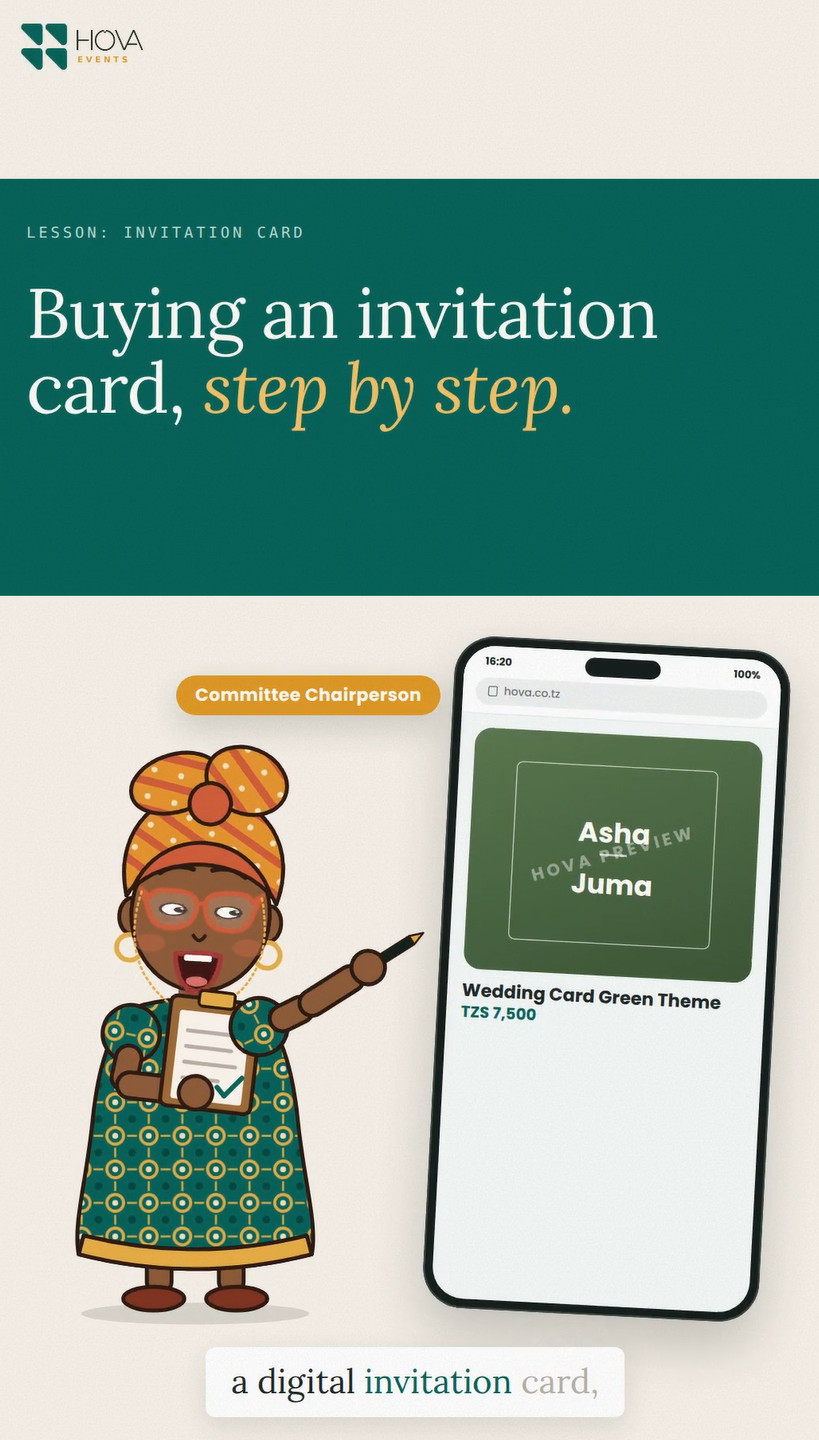
Choose a design
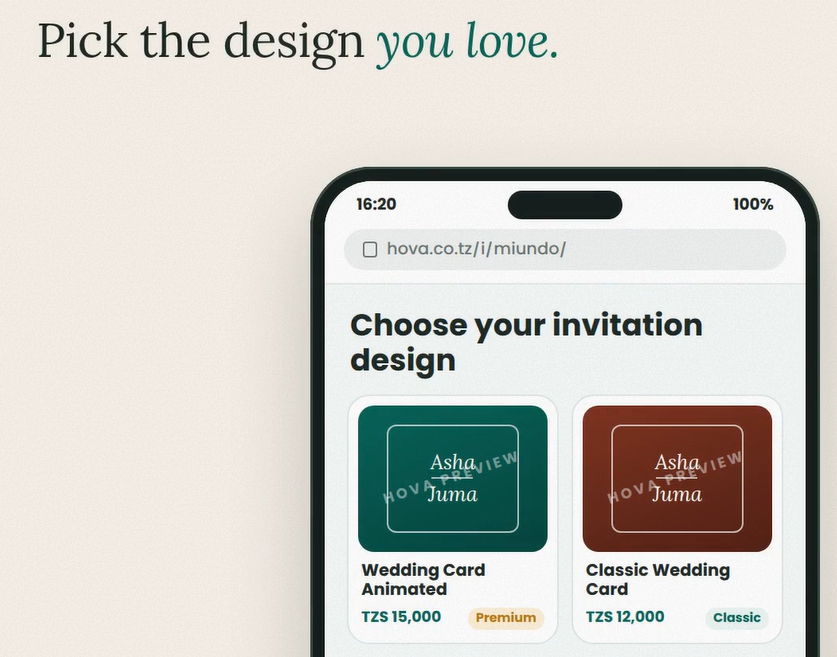
Open the invitation design gallery and choose a card that suits your event. Look at the arrangement of names, messages and photographs before opening the order form. Different designs may ask for different information.
Place your order
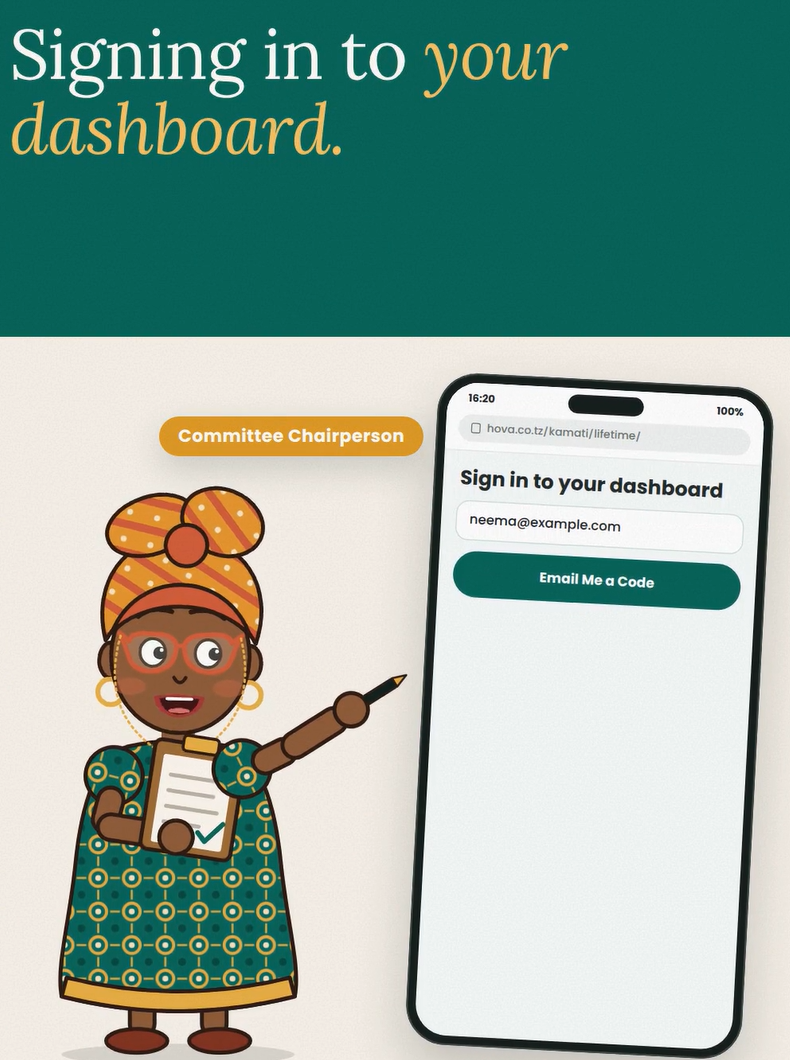
Fill in the event details, complete any extra card text fields and add a photo if the design requests one. Choose the available package. If you want the card connected to your dashboard, use the linking checkbox and the dashboard owner's email when requested.
Pay and download
Review the details and the price shown at checkout, then follow the payment instructions. After payment is confirmed, use the download page to get the English and Swahili card versions in the available PNG and PDF formats. Review the downloaded card before sending it to guests. Optional Swahili text should be supplied in the form if you want that wording translated.