
Articles
Your guide to using Hova Events
Learn to buy cards and dashboards, fill in your details and manage contributions. Read a guide, watch a walkthrough or browse the FAQs.
 Featured
Using Hova Events
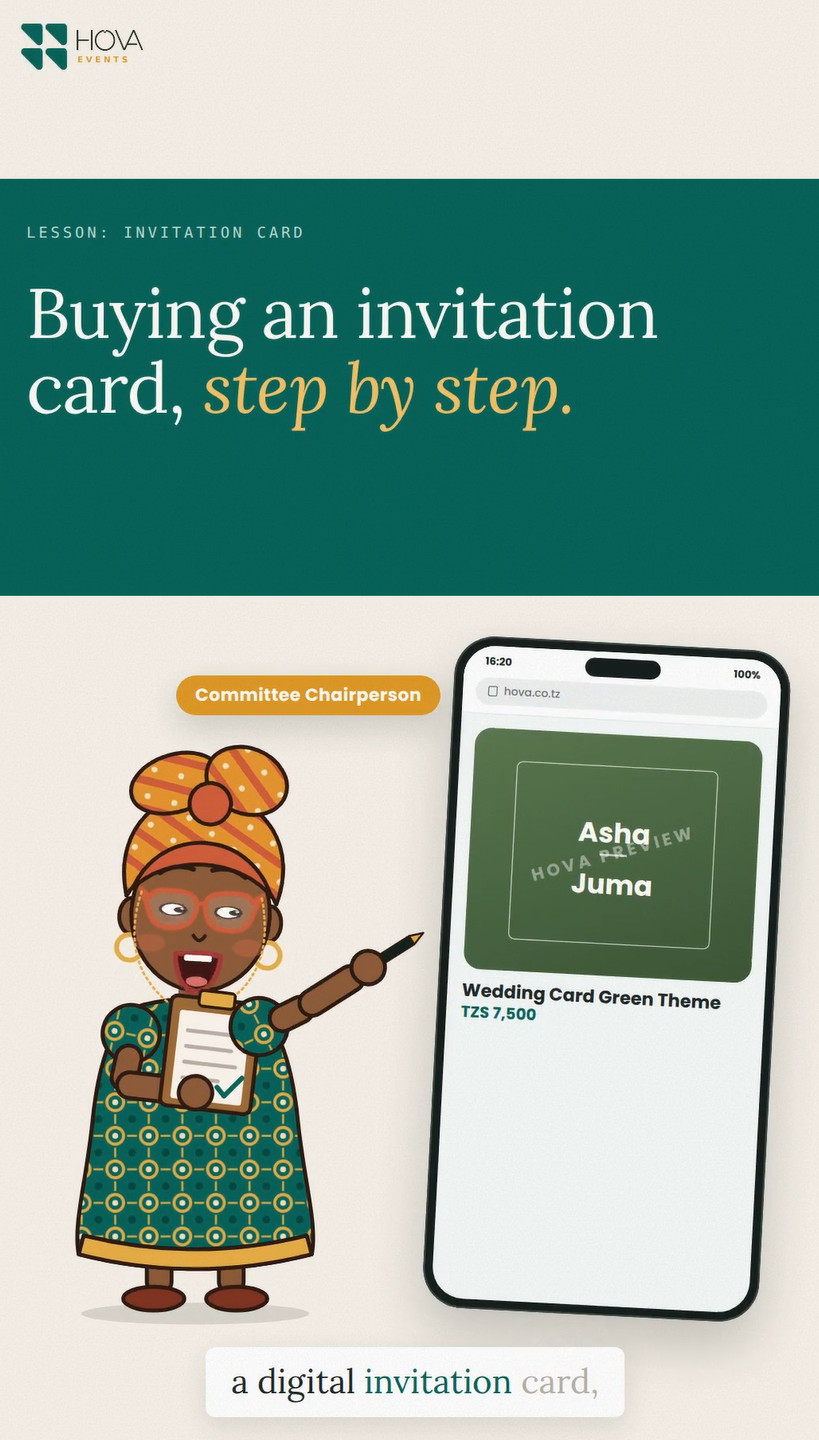
Buying an Invitation Card
Open the invitation design gallery and choose a card that suits your event. Look at the arrangement of names, messages and photographs before opening the order form. Different designs may ask for different information.
11 Sep 20261 minhas video
Using Hova Events
Filling in the Card Form
Choose the event type before entering names. Fill each name field according to its label, then enter the date, time a…
11 Sep 2026 · 1 min
Using Hova Events
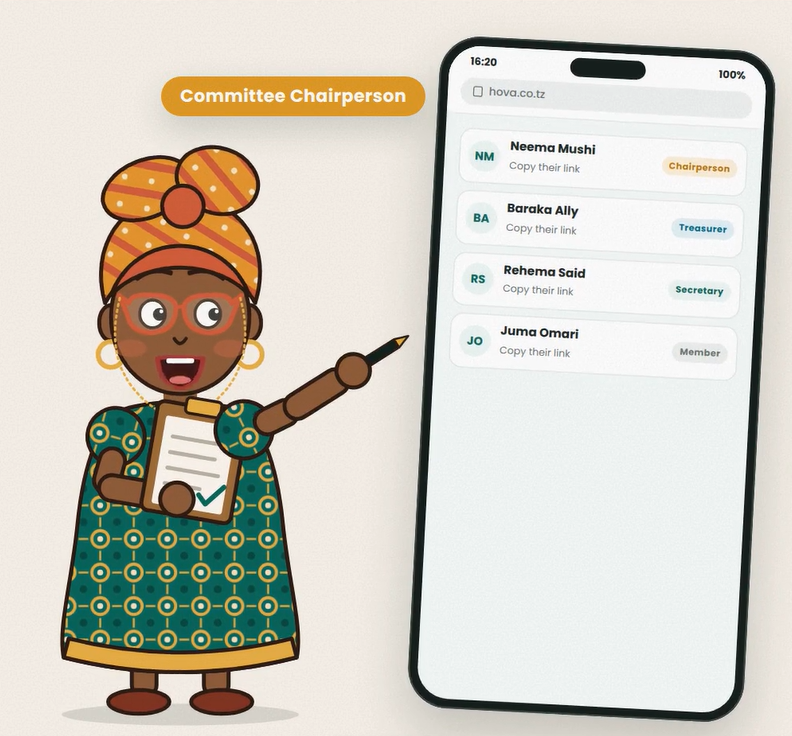
Committee Roles
Committee roles determine which dashboard actions a person can use. Assign roles to the people responsible for that w…
11 Sep 2026 · 1 min
Using Hova Events
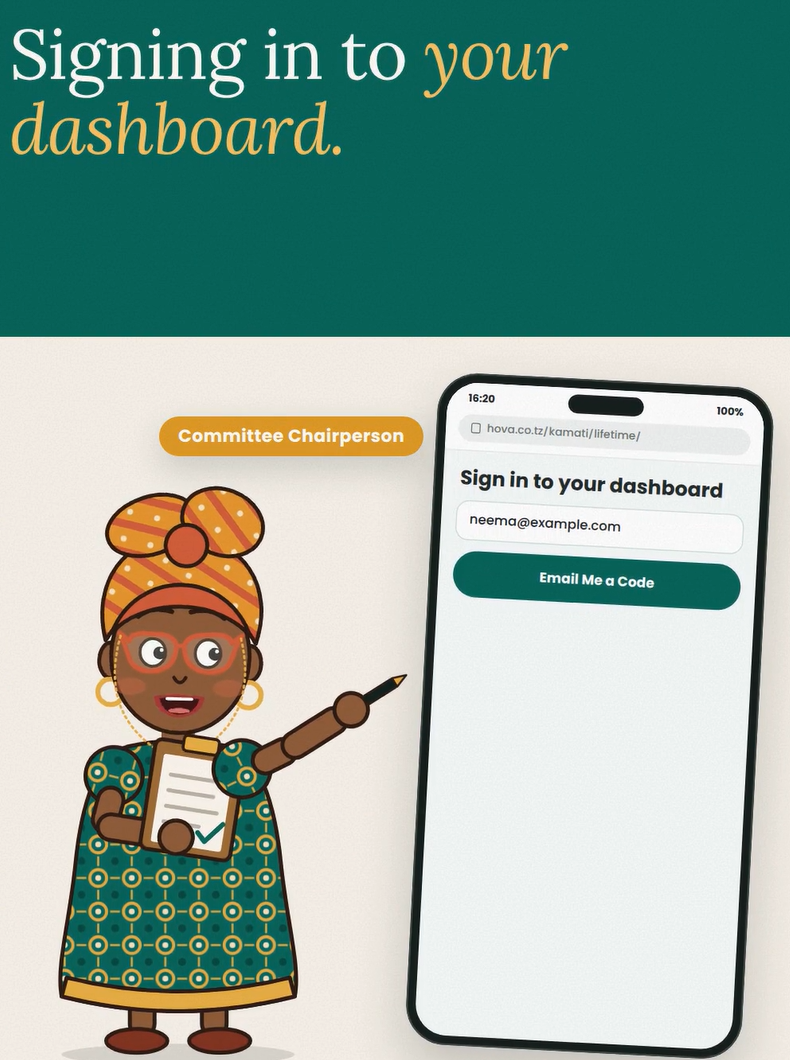
Signing In
Open the sign-in page and use the owner email associated with your account. Request the verification code, check your…
11 Sep 2026 · 1 min
Using Hova Events
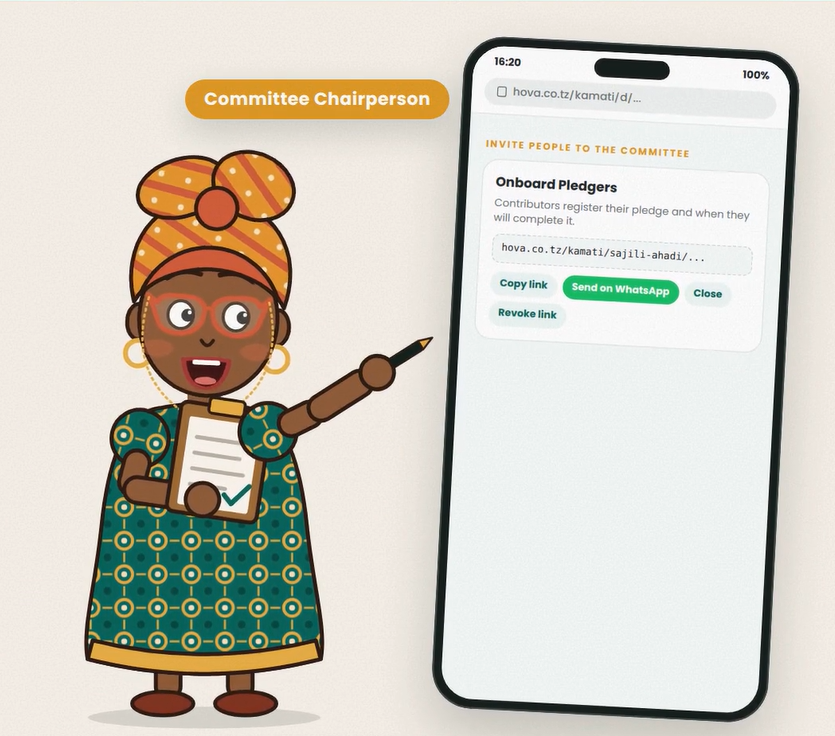
Pledge Links and Reminders
Use the general Copy message with link or Send on WhatsApp buttons to invite people to make a pledge. This is the sha…
11 Sep 2026 · 1 min
Using Hova Events
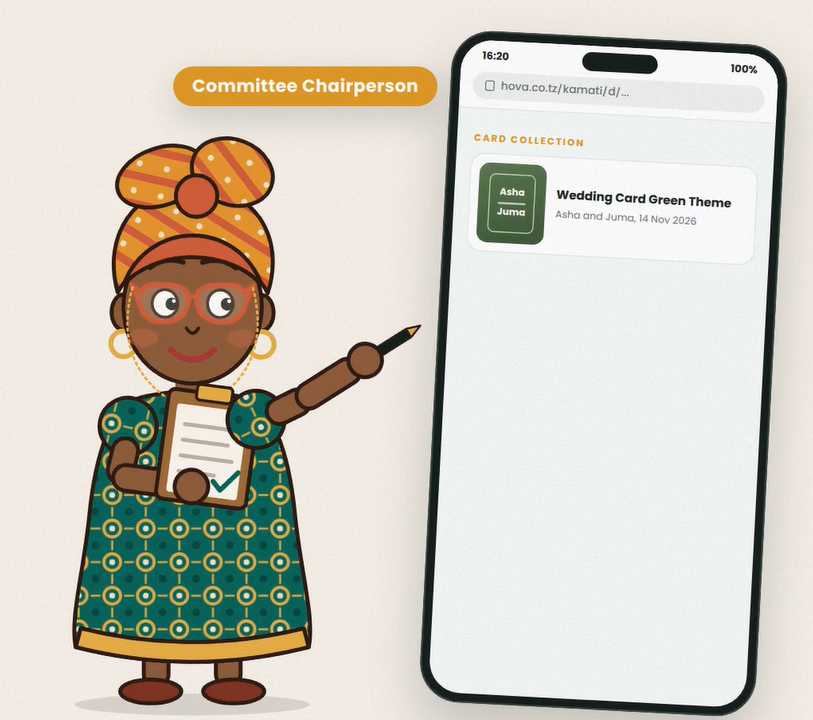
Linking a Card
When ordering a card, select the option to link it to a dashboard. Enter the dashboard owner's email exactly as regis…
11 Sep 2026 · 1 min
Using Hova Events
Contacting Hova Events
Call Hova Events on 0737 732 394 for help with dashboard access, card orders, downloads or linking a purchased card. …
11 Sep 2026 · 1 min
How-to
Platform Overview
platform overview
14 Aug 2026 · 1 min