Match the details to the design
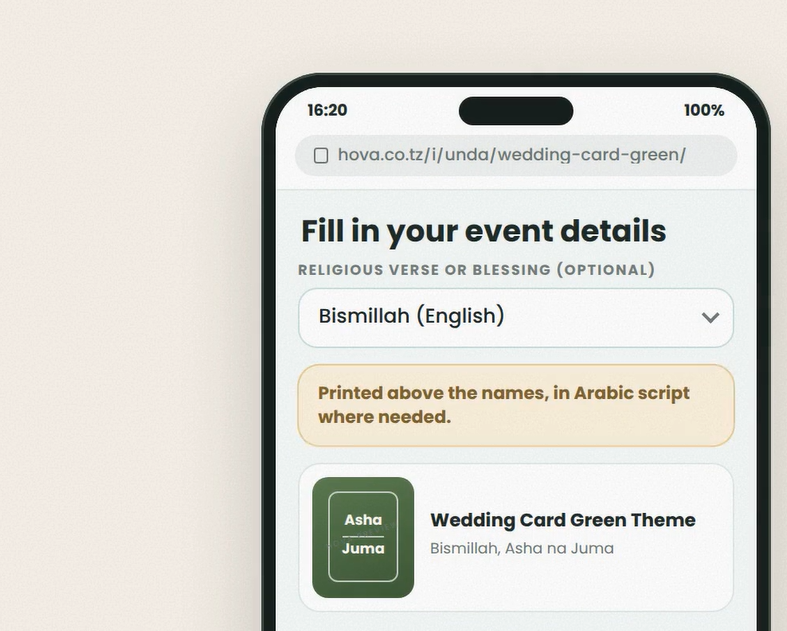
Choose the event type before entering names. Fill each name field according to its label, then enter the date, time and venue. Use the date picker where available; the card's date zone controls how the date is displayed on the artwork.
What does Additional message mean?
This is a message area selected by the designer for you to fill. Follow its label and preview. For example, an invitation message could be: The family of Mr and Mrs Mushi warmly invites you to celebrate the wedding of Asha and John. If the card has two separate messages, fill each message field separately.
English and Swahili wording
Put the English message in its English field and the Swahili version in its Kiswahili field. Swahili wording is optional; blank translations fall back to English, so custom messages are not automatically translated. Fixed wording comes from the design, while event data such as names and dates comes from the main form. Review every name and message before paying.