Lifetime owner sign-in
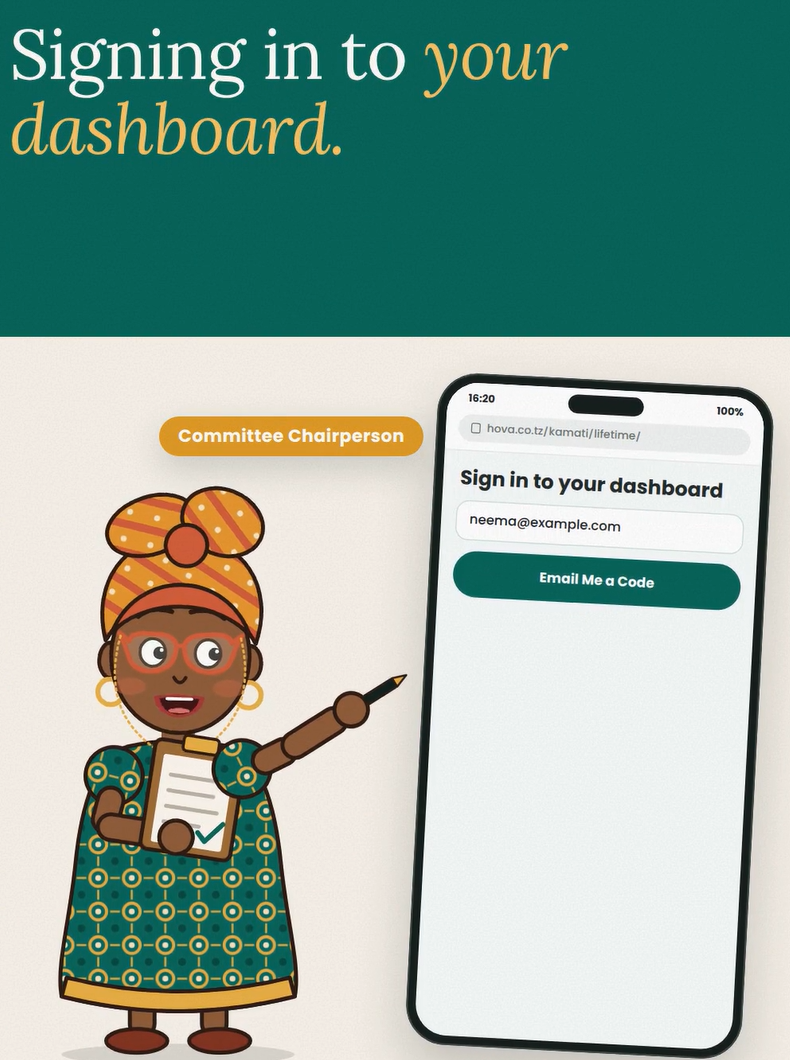
Open the sign-in page and use the owner email associated with your account. Request the verification code, check your inbox and enter the code on the page. If it has expired, request a new one and use the latest message. Check spam or junk folders if the email is missing.
Event and committee access
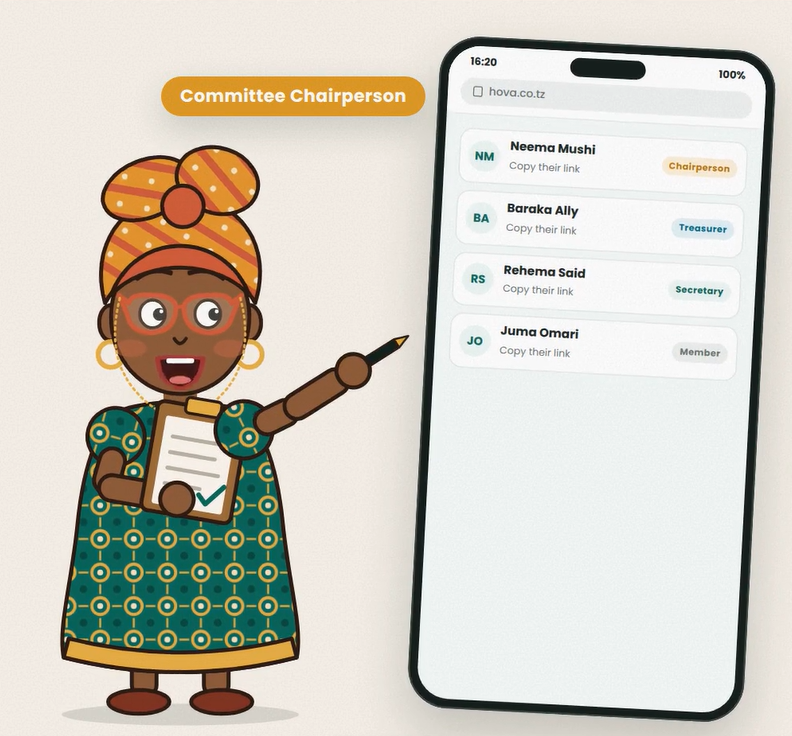
Use the dashboard or officer link issued for your event. Different links grant different permissions: a public pledge link is for contributors, while a committee access link opens the work area allowed by that person's role.
If access fails
Confirm you are using the correct email or the complete link, and check whether the dashboard's access period has ended. Ask the owner to check your role if you can enter but cannot use a feature. For further help, call Hova Events on 0737 732 394. Never share a verification code or private officer link in a public group.