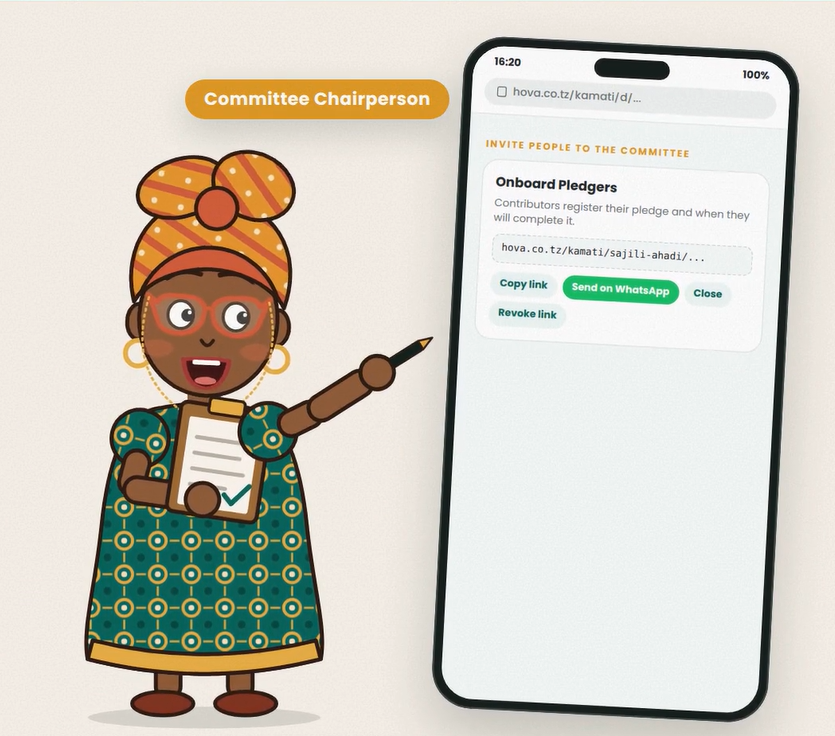
Group pledge link
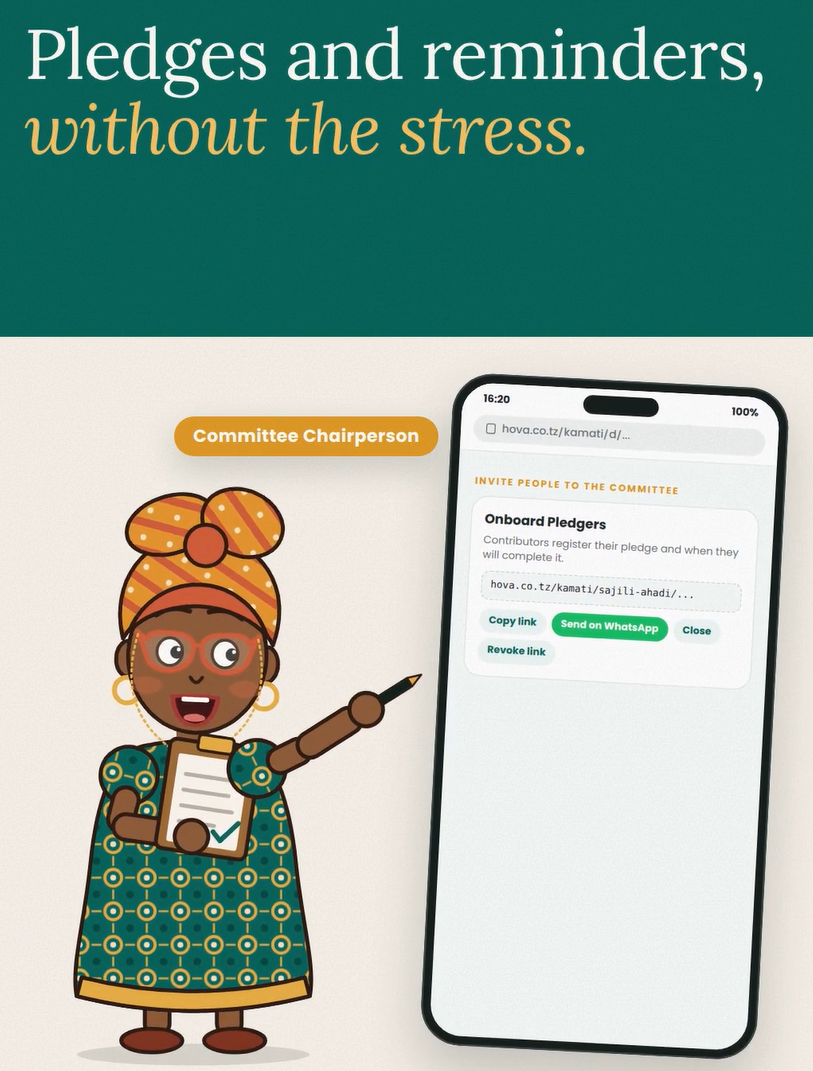
Use the general Copy message with link or Send on WhatsApp buttons to invite people to make a pledge. This is the shared link for the group; it is not a named contributor's invitation card.
Personal row link
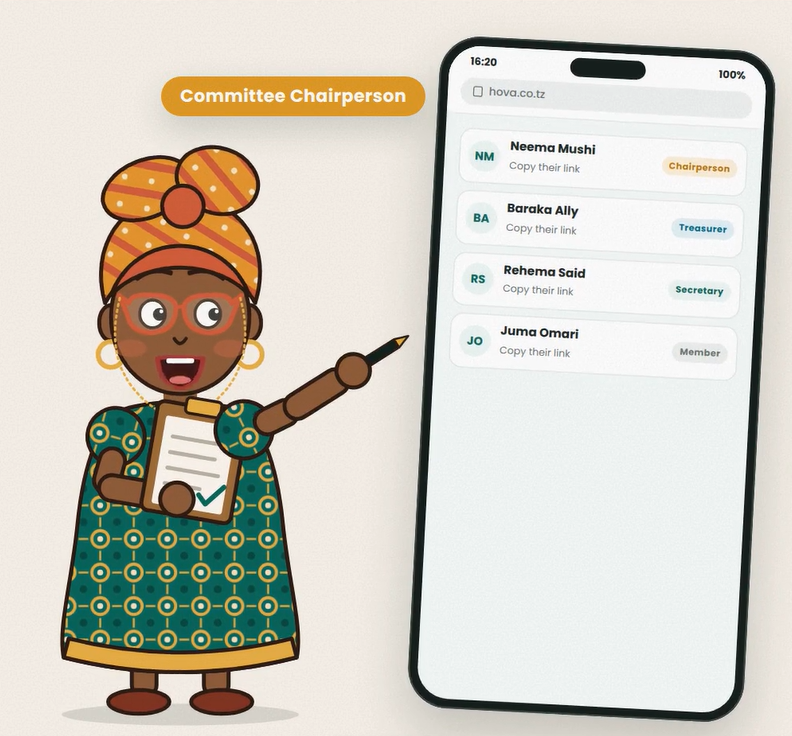
Use the share buttons on a contributor's row for that person. The message and link belong to that contributor. When an eligible purchased card is linked to the dashboard, this personal flow can include their named invitation card and its download option. Keep personal links with their intended recipients.
Reminders and payments
Open Reminders, choose the relevant contributor and review the message before sending through WhatsApp. Opening WhatsApp does not send the message automatically. Contributors should follow the committee's payment instructions. A reported payment still needs the committee's verification before it counts as verified money; the dashboard records the contribution rather than transferring it for the committee.