Use the linking checkbox
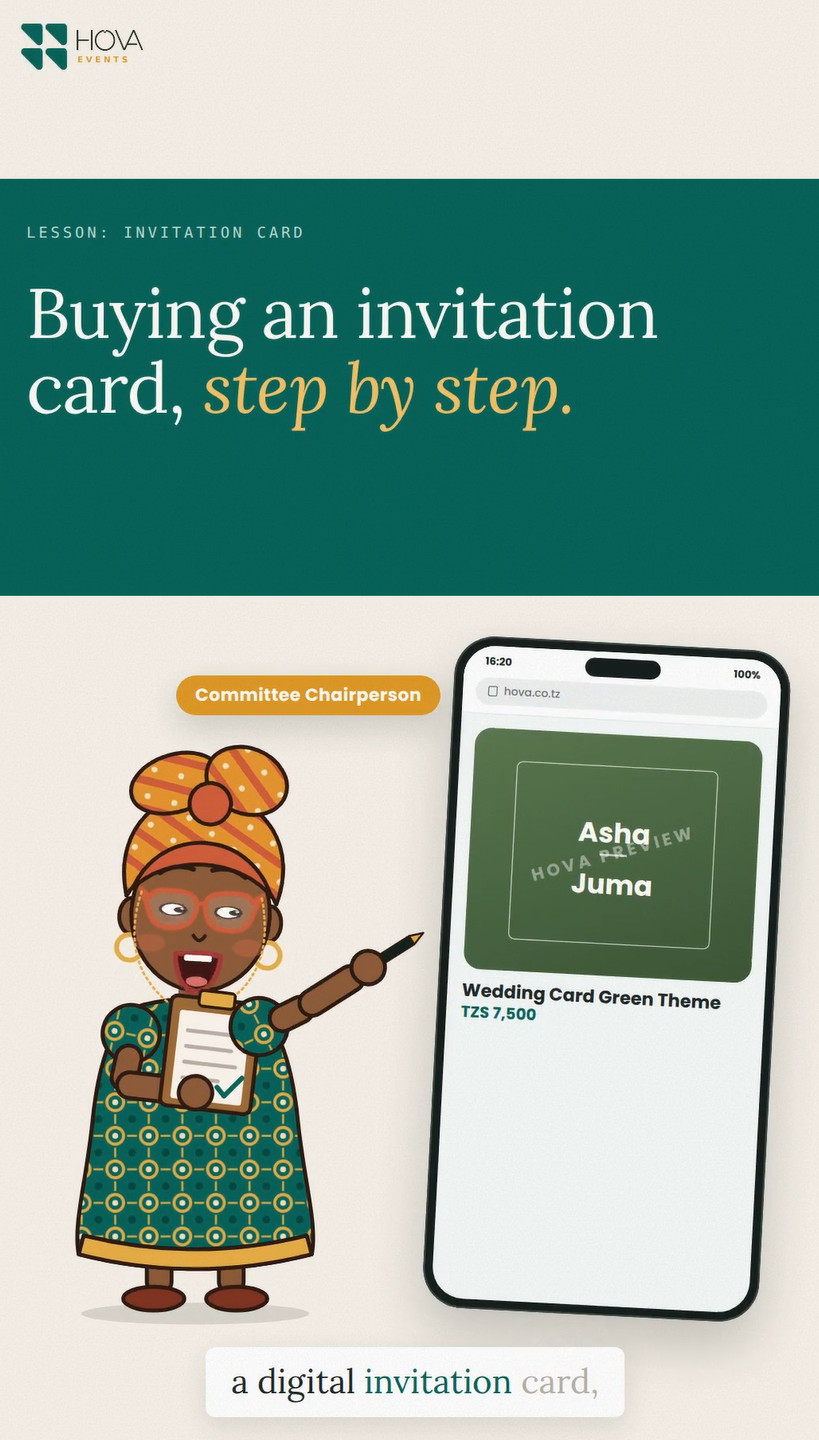
When ordering a card, select the option to link it to a dashboard. Enter the dashboard owner's email exactly as registered when the form requests it. Complete the card purchase and wait for payment confirmation; selecting the checkbox alone does not confirm the purchase.
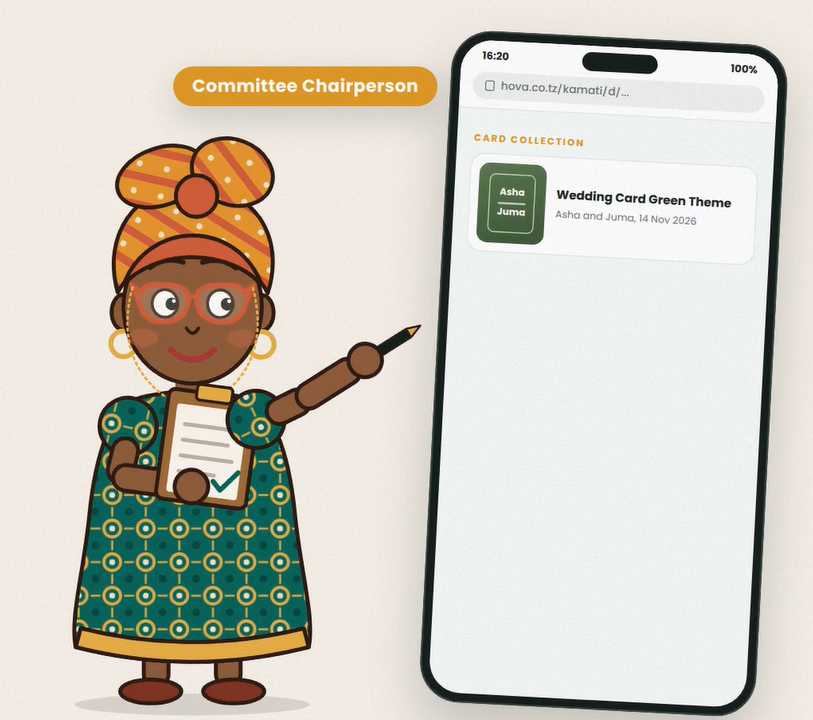
Check Card collection
Open your dashboard and look in Card collection for linked purchases. If a card is missing, compare the email used on the order with the dashboard owner email and check the order's payment status. Keep your order reference ready if support is needed.
Share from the contributor's row
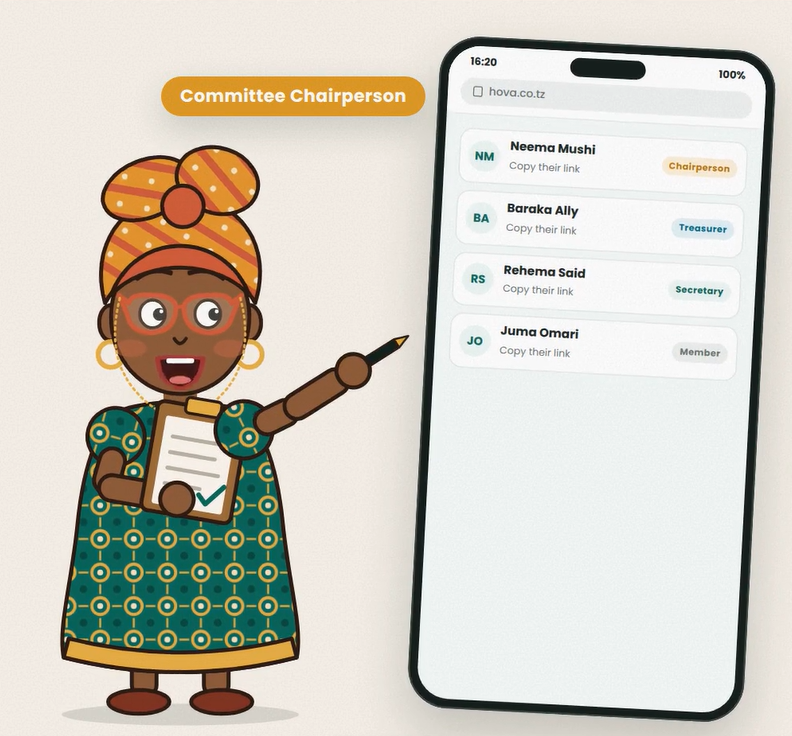
For an invitation addressed to one pledger, use the WhatsApp or copy button on that person's contribution row. The linked card can carry their name and personal link. The general group pledge buttons continue to share the general pledge link. Check the selected event and recipient before forwarding a personal invitation.